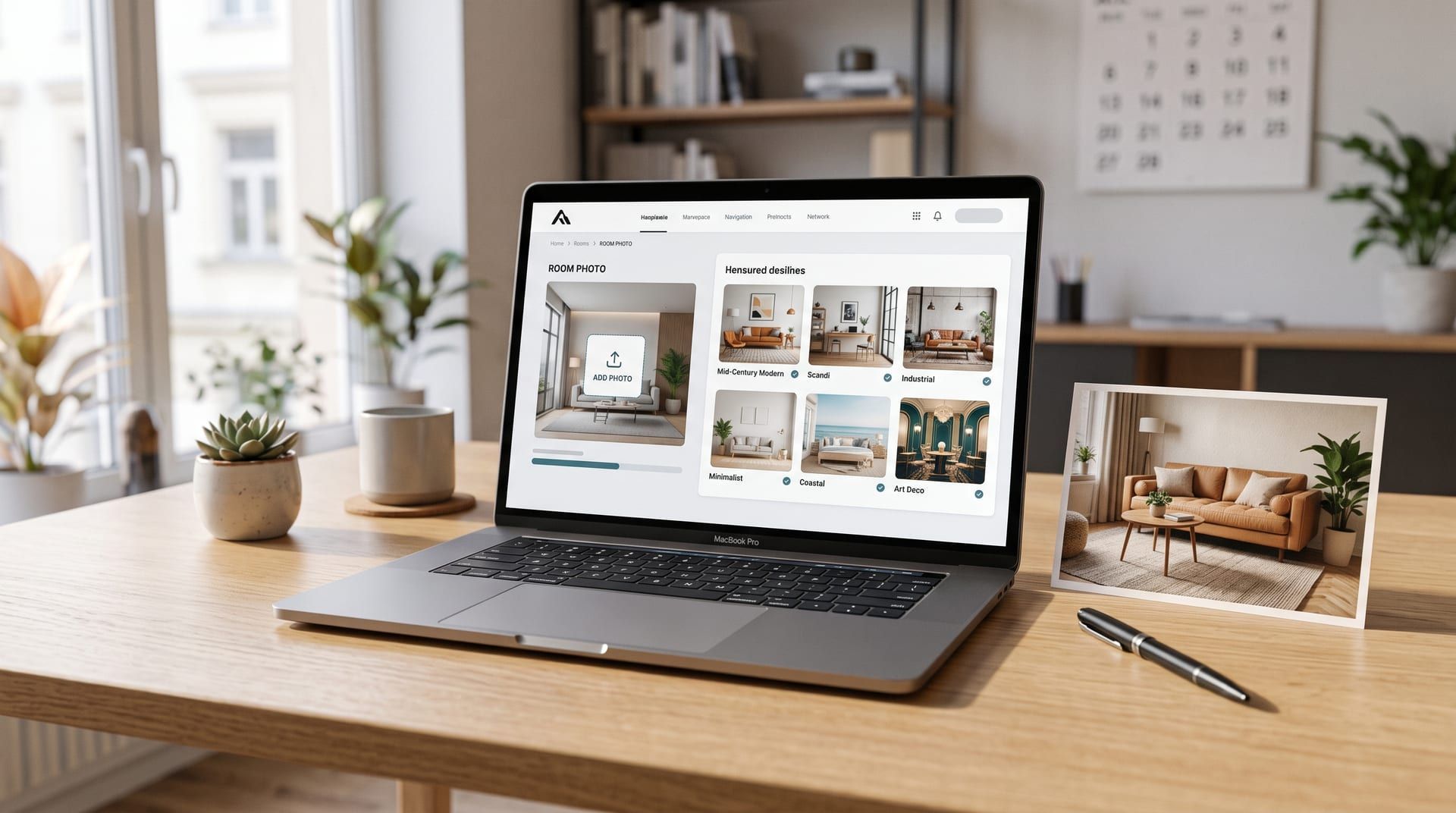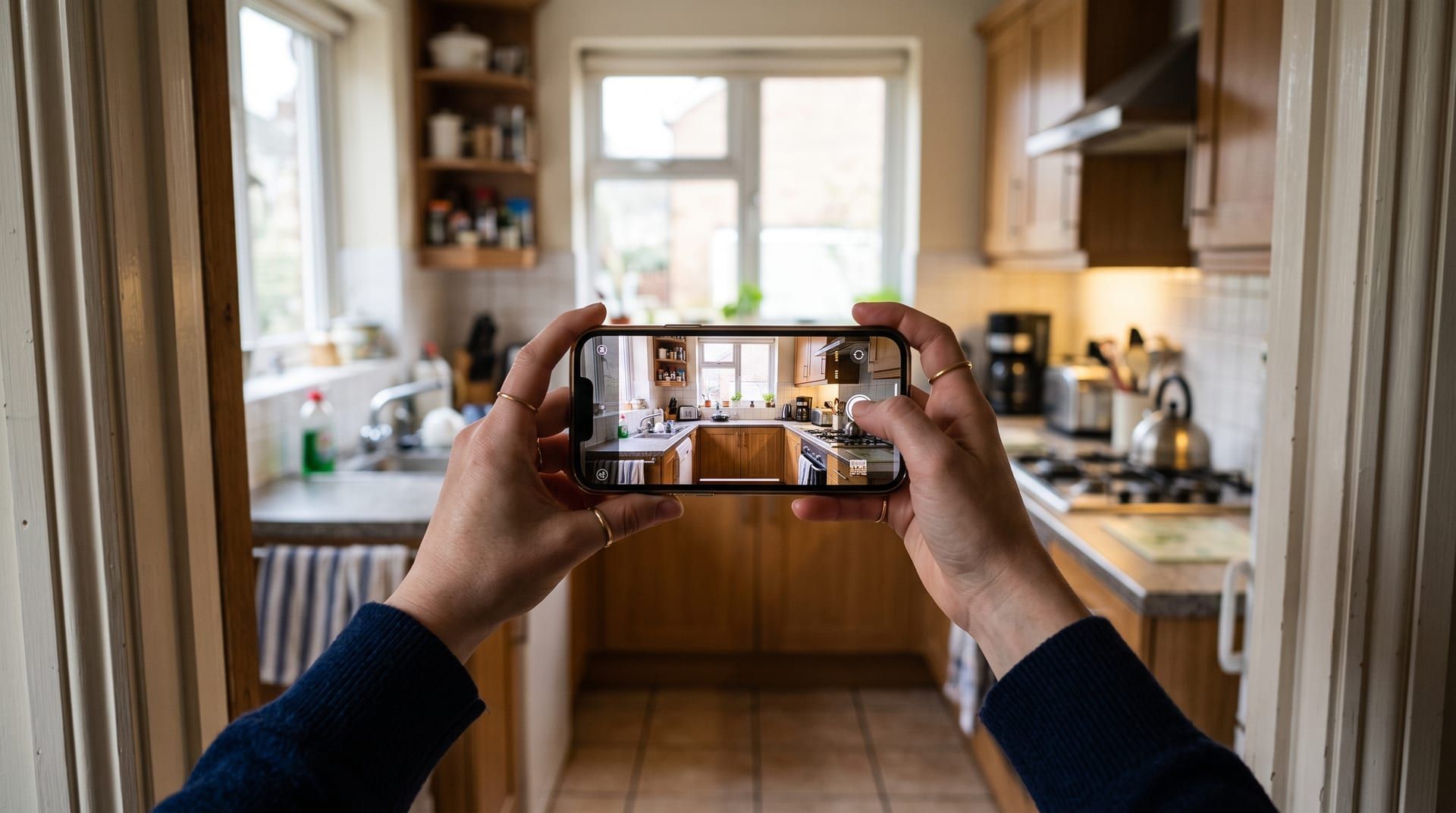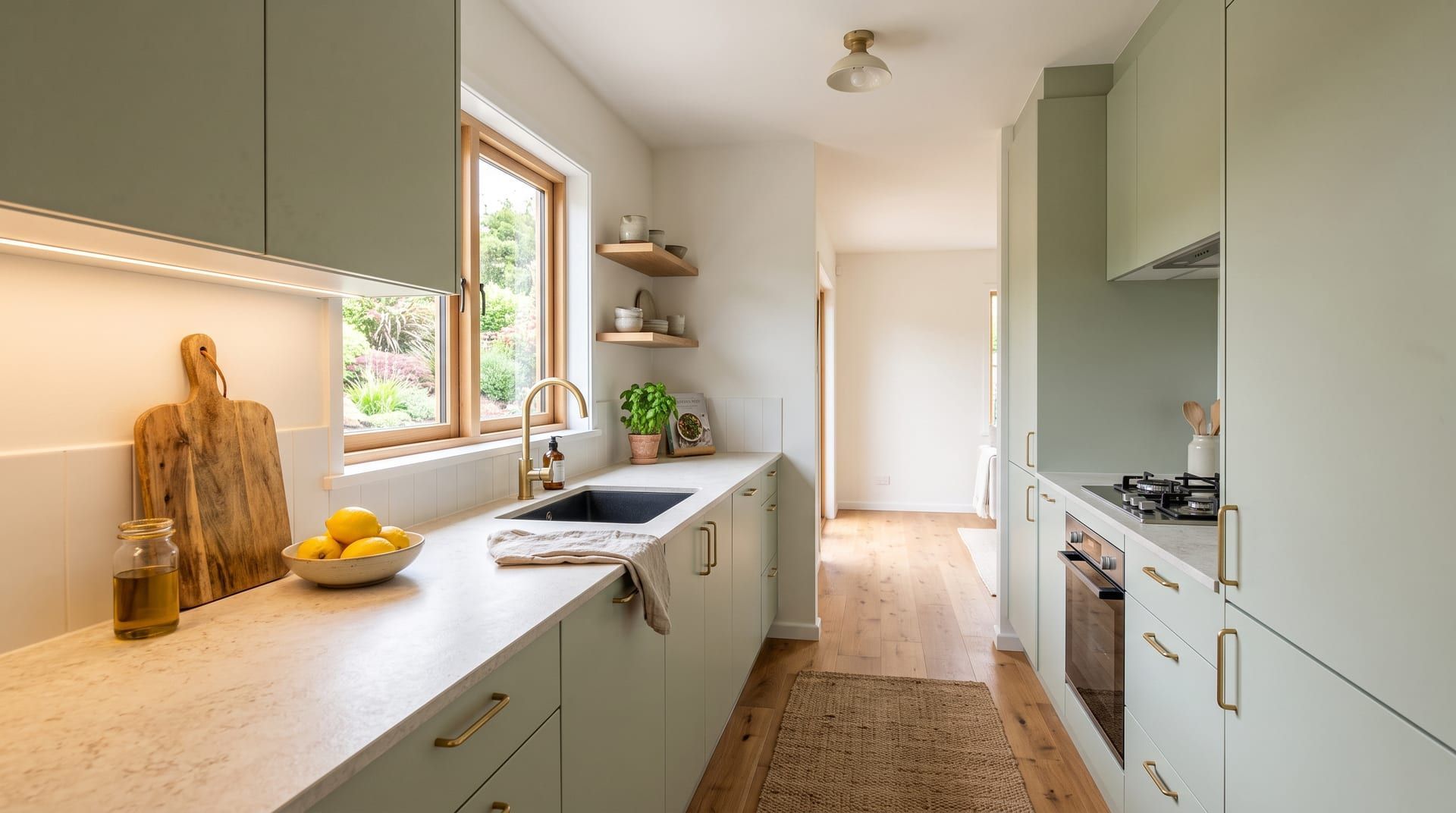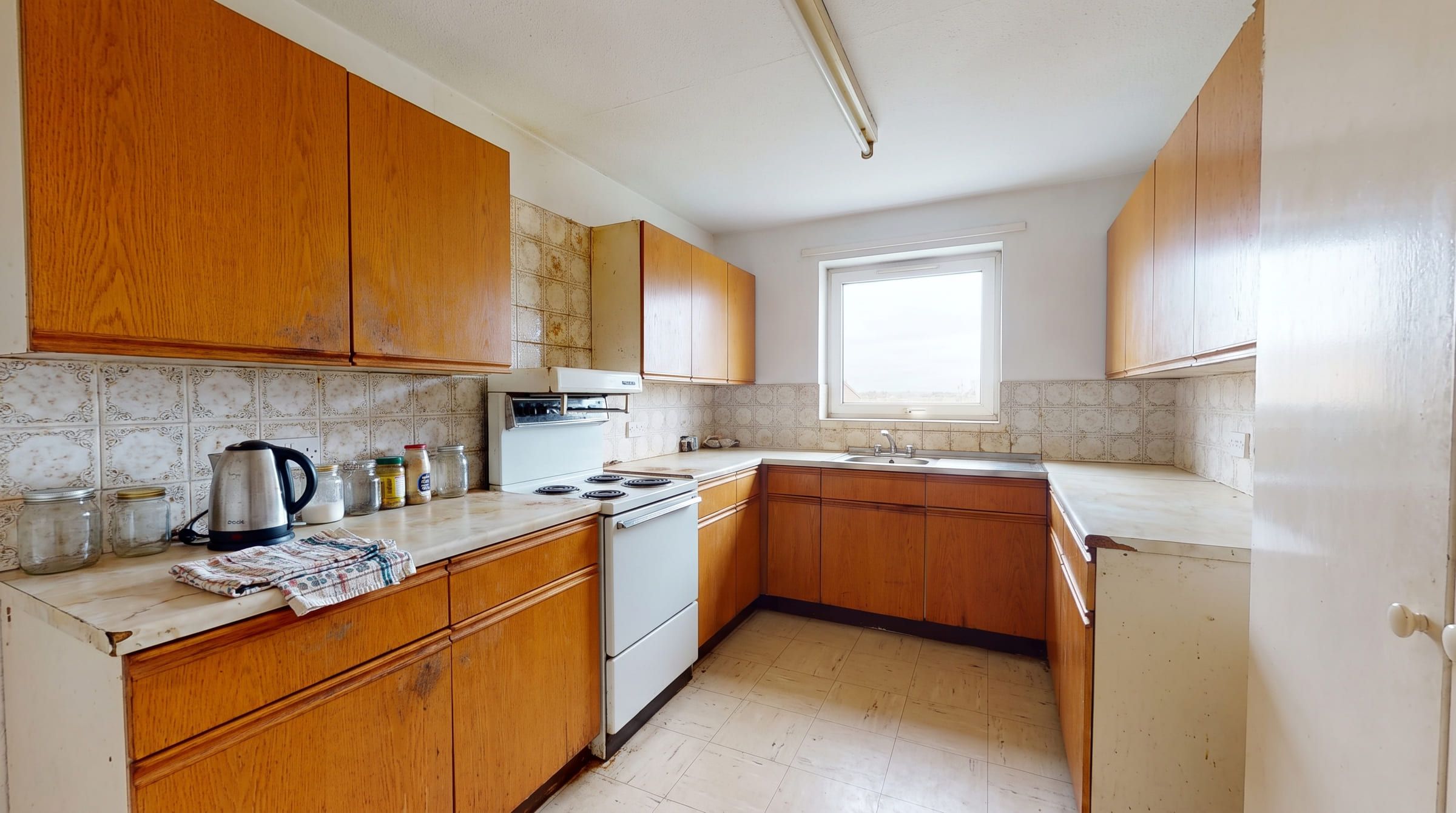
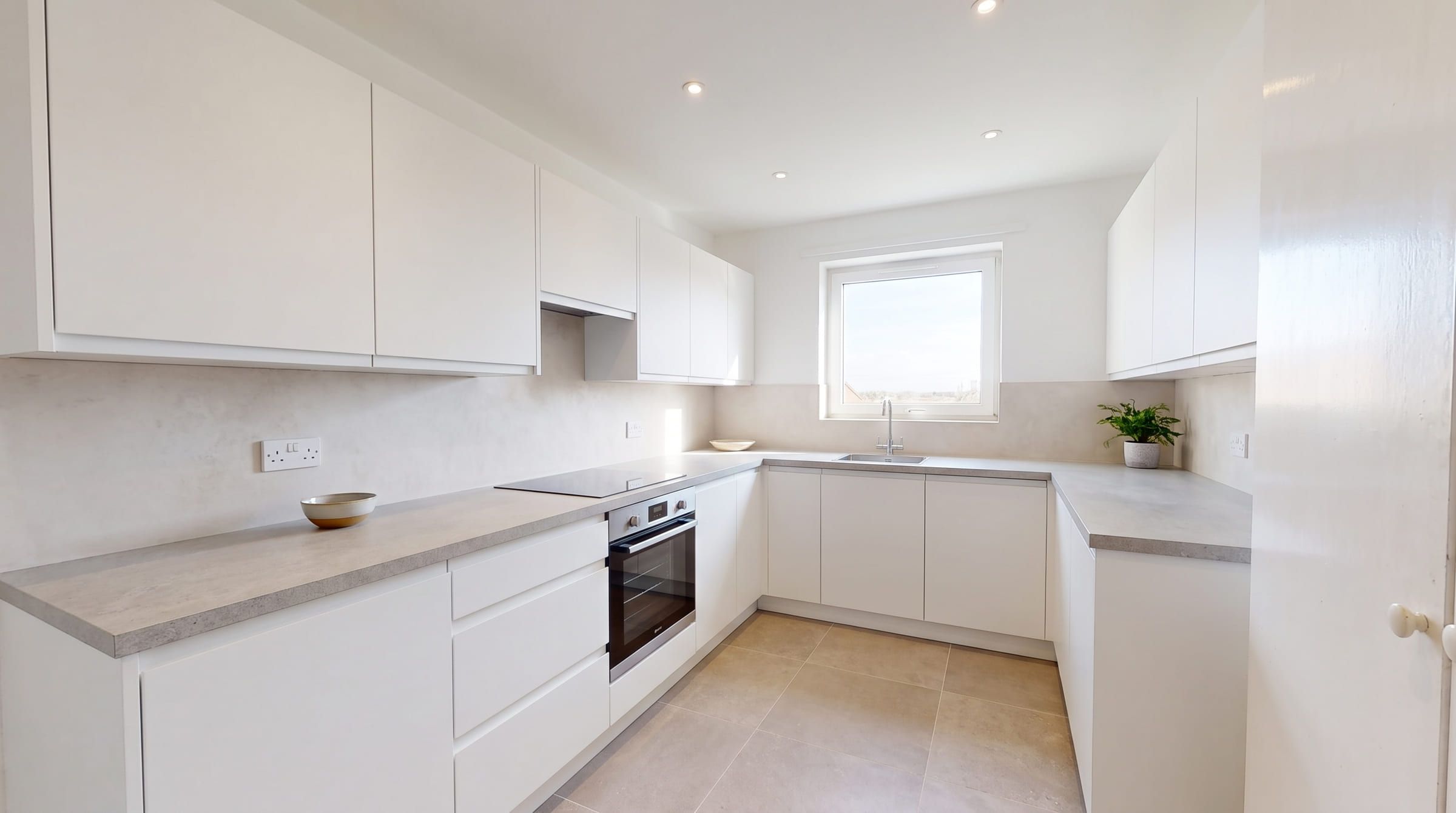
The best AI interior design app depends on one question: do you want the tool to edit your photo or to draw a new room inspired by it? Photo-editing tools (ReimagineHome, Spacely AI, Remodel AI, HomeDesigns AI, remyhomeai) advertise that walls and windows stay put. Prompt-first tools (RoomGPT, Decor8 AI, Collov AI) describe a flow but not a method, and reviewers report rooms that change shape. 3D planners and ChatGPT do something different again. Twelve tools follow, grouped by approach, with free tiers and prices as published in October 2026. No ranking, no winner.
How to choose
Ask three questions first.
Does it edit my photo or redraw it? A photo editor keeps your room: same walls, windows and camera angle, new furniture and finishes. A redraw tool generates a new image guided by yours, and the result can be a nicer room that is not quite your room. Look for phrases like “structure lock” or “geometry kept intact”, then test on your own photo.
What do I get free? Free tiers range from nothing (Interior AI) to a daily allowance (ChatGPT, HomeDesigns AI). Check for watermarks, resolution and whether a card is needed.
What does it cost per month at my volume? A renter redesigning one room needs a handful of designs. An agent needs hundreds. Entry plans below run from about $7 to $49 a month, with monthly allowances from 30 credits to unlimited. remyhomeai has no monthly plan: you buy credits once.
Photo-editing tools
These tools advertise that the room’s structure stays fixed. The wording is the vendor’s; only a test on your photo tells you whether it holds.
ReimagineHome. ReimagineHome says the structure stays fixed (walls, windows and ceiling lines), with a named Structural Lock option. The first 5 designs are free, with no card and no watermark. Paid plans run from $14 to $99 a month. Unique: shoppable designs with real products and a budget constraint, plus batch processing of up to 50 photos. Web only. See remyhomeai vs ReimagineHome.
Spacely AI. Spacely AI renders “with your original materials and geometry kept intact”. Free: 40 trial credits, no card, no watermark, commercial licence included. The Personal plan is $25 a month for 500 credits. Unique: Point and Edit changes one object, and it takes sketches and 3D models from SketchUp, Revit, AutoCAD and Rhino. Web and SketchUp; mobile is view-only. See remyhomeai vs Spacely AI.
Remodel AI. Remodel AI says it “preserves room structure (windows, doors, ceiling height)”. Free: 3 designs in all 30+ styles, no card, standard quality, watermarked. Pro is $29 a month or $349 a year for 1,000 designs; a commercial licence comes only with Ultra at $99 a month. Unique: eight tools including exterior, landscape, floor replacement and wall paint, with native iOS and Android apps.
HomeDesigns AI. HomeDesigns AI says “Your walls, windows and layout stay exactly as they are. Only the design changes”, with a Structure-Lock and an “AI Intervention” slider. Free: 3 credits a day. Watermark and card terms are not published. Paid plans are shown after sign-up; third-party listings put the entry plan at $19 to $27 a month. Unique: 200+ styles and spaces, video walkthroughs, 2D-to-3D floor plans and furniture shopping.
Interior AI. Interior AI has two photo modes. “3D Vision” “tries to maintain the interior of your current room while changing its style”; “2D photo” “manipulates the space more”. No free tier and no refunds. Pro is $49 a month or $349 a year for 1,000 renders, with a commercial licence on every plan. Unique: exterior and garden, sketch to render, walkthrough video and VR on higher plans, 55+ styles, 30+ room types. Web only. See remyhomeai vs Interior AI.
Prompt-first tools
These tools describe a flow but not a method, and none advertises a structure lock.
RoomGPT. RoomGPT does not describe its method; its open-source predecessor used ControlNet. A September 2026 Krea review reports whole-room redraws and moved windows. The free tier and prices are shown only after sign-in; Krea reports 1 to 3 free generations after Google login and about $9 for 30 credits. Unique: the open-source history and the name. Web only. See remyhomeai vs RoomGPT or the full RoomGPT review.
Decor8 AI. Decor8 AI says its AI “understands room layout, lighting, and architecture” and does not advertise a structure lock. No free tier is published. The Unlimited plan is $14.99 a month for unlimited redesigns, 56+ styles and 38 room types. Unique: unlimited generations at a flat price, a $0.20 per-image API, and a macOS app.
Collov AI. Collov AI is a staging-first product that does not describe its method. Free: 5 trials, watermarked. Standard is $19 a month for 60 photo credits; paid plans remove the watermark and add a commercial photo licence. Unique: 360 virtual tours and real-estate photo fixes like lawn replacement and twilight conversion. A Trustpilot reviewer reports an added wall. Web only.
3D planners with an AI feature
Planner 5D. Planner 5D is a floor-planning suite with a Design Generator that will “Generate up to 20 fully-furnished design ideas for any room”. It does not say whether the photo’s layout is kept. There is a free plan, but it does not publish an AI generation count. Premium is $19.99 a month or $59.99 a year with 100 AI credits a month. Unique: real 2D/3D floor plans, 4K renders and CAD export, on five platforms.
Homestyler. Homestyler is a 3D planner with an AI Designer. Its own article says: “The output image mimics a room but is not a spatial plan. All dimensions are imaginative”. The free Basic plan has 3 AI credits in total; Pro+ starts from about $6.80 a month with 180 credits. Unique: the lowest monthly plan here and a 100,000+ model catalogue. Web and mobile app.
General chatbots
ChatGPT. ChatGPT lets you upload a photo and type what you want changed. No presets, no structure lock. Free accounts have a small daily image limit; OpenAI’s help centre puts it at about two images a day. ChatGPT Go is $8 a month. Unique: you can talk back and ask for a budget or a shopping list in text. Web, iOS, Android. See using ChatGPT for interior design.
And remyhomeai
remyhomeai is a photo-editing tool. It edits the actual photo, so walls, windows, doors, ceiling height and camera angle stay where they are. Free: 3 designs at signup, email account, no card, all 7 styles. After that, a design costs $0.25 from prepaid credits ($5 for 20, $15 for 60, $40 for 160), with no subscription and no expiry, and a commercial licence is included. Two things set it apart: 39 colour palettes plus a free-text field, separate from the 7 styles, and keep controls you tick one by one (floor, doors, windows, ceiling, walls) plus named items. 7 room types. Web only. See remyhomeai vs the alternatives.
Comparison table
| Tool | Approach (vendor wording) | Free tier | Cheapest paid plan | Platforms |
|---|---|---|---|---|
| RoomGPT | Not described. Reviewers report whole-room redraws. | After sign-in. Third party: 1 to 3 generations. | After sign-in. Third party: $9 for 30 credits. | Web |
| Interior AI | 3D Vision “tries to maintain” the room; 2D mode changes more. | None. | $49/mo, 1,000 renders | Web |
| ReimagineHome | “Structure stays fixed.” Structural Lock. | 5 designs, no card, no watermark. | $14 to $99/mo | Web |
| Spacely AI | “Geometry kept intact.” Point and Edit. | 40 trial credits, no card, no watermark. | $25/mo, 500 credits | Web, SketchUp; mobile view-only |
| Remodel AI | “Preserves room structure.” | 3 designs, no card, watermarked. | $29/mo, 1,000 designs | Web, iOS, Android |
| Decor8 AI | “Understands room layout.” No lock advertised. | None published. | $14.99/mo, unlimited | Web, iOS, Android, macOS |
| HomeDesigns AI | “Walls, windows and layout stay.” Structure-Lock. | 3 credits a day. | After sign-up. Third parties: $19 to $27/mo. | Web; listings add iOS, Android |
| Collov AI | Not described. Staging-first. | 5 trials, watermarked. | $19/mo, 60 credits | Web |
| Planner 5D | Does not say whether layout is kept. | Free plan; AI count not published. | $19.99/mo, 100 AI credits | Web, iOS, Android, Windows, macOS |
| Homestyler | “Dimensions are imaginative” (vendor). | 3 AI credits total. | From about $6.80/mo, 180 credits | Web, mobile |
| ChatGPT | Prompt-driven edit. No lock. | About 2 images a day. | $8/mo (Go) | Web, iOS, Android |
| remyhomeai | Edits the actual photo. Keep controls per element. | 3 designs at signup, email, no card. | $5 for 20 credits, no subscription | Web |
A note on prices
Several vendors show exact plan prices only after you sign in or sign up, so some cells above give a range or a third-party figure. Homestyler may show prices in your local currency. All figures are as published in October 2026. Check the vendor’s pricing page before you pay.
Where remyhomeai falls short
remyhomeai has no shopping links, no floor plans, no 3D model, no virtual staging for empty rooms, no exterior or garden mode, and no mobile app. remyhomeai is a restyling tool for furnished rooms; for an empty room, use a tool built for staging. The free tier needs an email account and gives 3 designs at signup in all 7 styles. A design takes 30 seconds to 3 minutes. Run the same photo through each tool you shortlist and compare the windows and ceiling line with the original.
Sources
- ReimagineHome and its pricing page
- Spacely AI, its pricing page and its 2026 plans post
- Remodel AI and its pricing page
- HomeDesigns AI and its Capterra listing
- Interior AI
- RoomGPT, its open-source predecessor and the Krea review, September 2026
- Decor8 AI and its pricing page
- Collov AI, its pricing page and Trustpilot reviews
- Planner 5D pricing and its Design Generator page
- Homestyler pricing and its article on AI redesign vs planning
- OpenAI help: ChatGPT free tier FAQ
Try it on your own room. You get 3 free designs at signup, no card required. After that, credits start at $0.25 a design. Start free at app.remyhomeai.com.